SaaS support SOP templates
Support quality is product quality. These SOP templates cover the workflows — triage, escalation, status updates — that keep tickets moving and engineering happy.
Featured template
Triage inbound bug reports for a SaaS support team and route to engineering
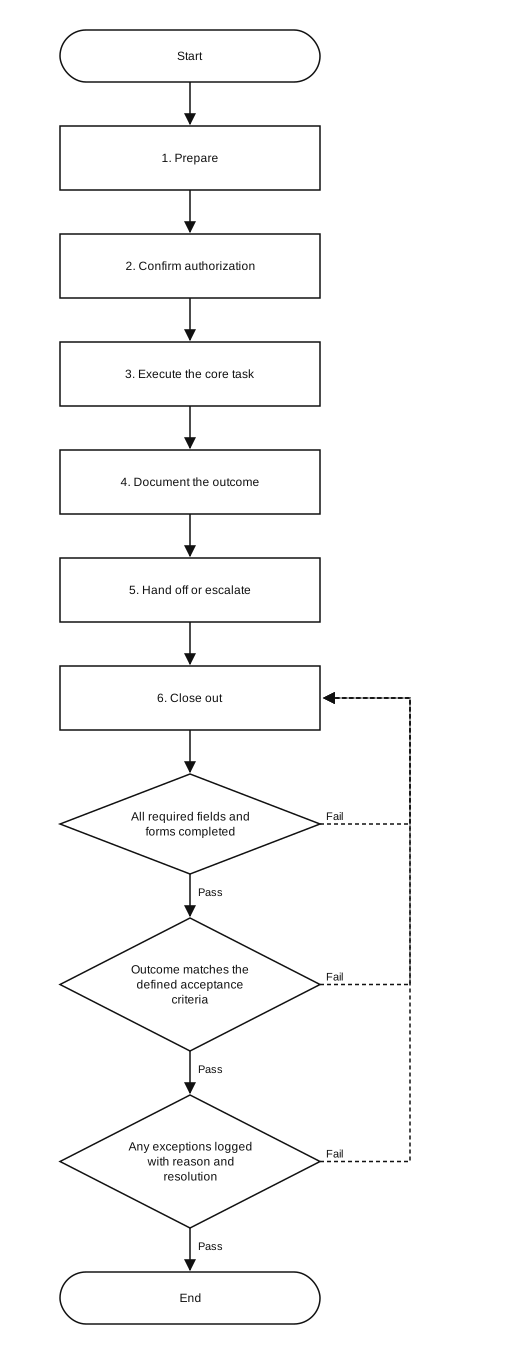
Full example: Bug triage SOP
Purpose: Route inbound bug reports to engineering within one business day with enough context to fix.
Scope: Tier 1 support agents triage every report submitted via the in-app form or email.
Procedure
- Acknowledge the report in the support inbox within 1 hour.
- Reproduce the issue in the staging environment using the steps provided.
- Capture browser, OS, account ID, and console errors; attach screenshots or screen recording.
- Classify severity (S1 outage, S2 broken core feature, S3 bug, S4 cosmetic) using the severity matrix.
- File the issue in the engineering tracker with template fields populated.
- Notify the on-call engineer in #eng-support for S1 and S2 issues.
- Reply to the customer with the ticket reference and expected response window.
FAQs
- What's the difference between a runbook and an SOP?
- A runbook is the executable subset of an SOP — usually for on-call response. SOPs are broader and cover non-incident work like onboarding, reporting, and reviews.
- How do support SOPs reduce engineering interrupts?
- By forcing triage to capture reproduction steps, environment, and severity before tagging engineering. Most one-off pings disappear when triage is rigorous.
Browse all SOP templates, see worked SOP examples, or read the canonical SOP format.
Other industries: Restaurant, Marketing agency, E-commerce, Real estate. Or generate a custom SOP for your exact task.